
Microsoft 365 Copilot Business Challenge - With Accelerator Pack
This 100% on-demand challenge is designed around a 6-week progression, with each week focusing on a specific Copilot capability and use case — but you’re free to move through it as quickly or slowly as you like.
The Problem You're Facing
Copilot is switched on in your tenant but ...
And with back to back meetings, you don’t have time to "figure it out."
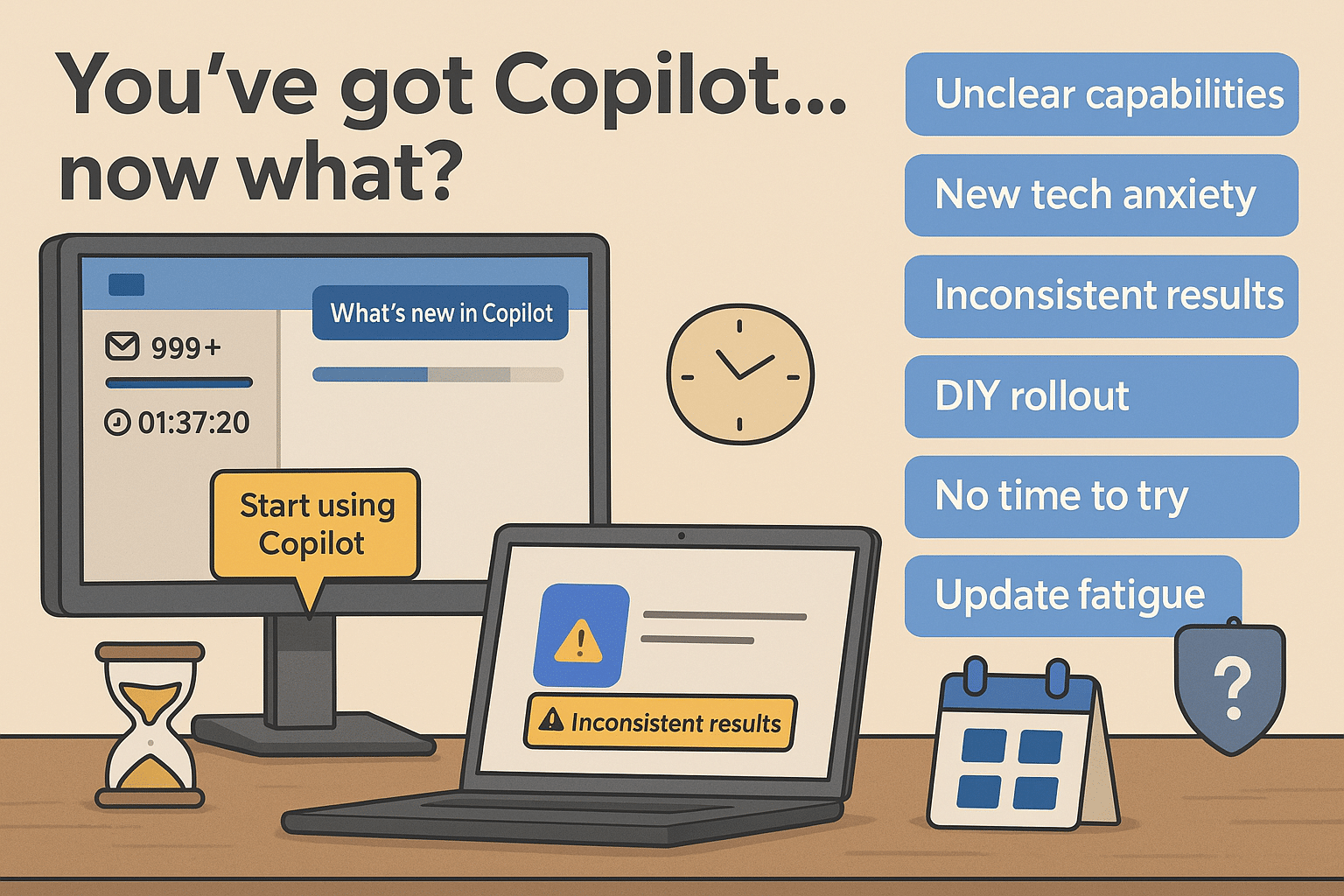
The challenge: Make Copilot work for you
You’ll go from “where do I start?” to “I know exactly how to use Copilot here.”
Not by learning every feature — but by focusing on the places Copilot actually saves time in your day-to-day work.
Start The Microsoft 365 Copilot Business Challenge Today.
What’s Included:
Licence note: A Microsoft 365 Copilot licence is required for full hands-on participation.
Accelerator Pack
The Accelerator Pack helps you move faster through the challenge and can orient you quickly on the key themes and ideas straight away:
🎥 A 5-minute AI summary video for fast orientation
🎧 A podcast discussing the the full challenge content
🖼 A visual 6-week quick reference playbook
Designed to support busy professionals who want clarity, not overload.
Real Stories from Jennifer's previous training..

Mandy M | Academy member
I love Jennifer's presentation style! Not to mention all the great hints and tips and nuggets of information. Thanks too for illustrating how a RESPOND folder could work, using the categories and flags in combination - that's got so much potential!!
JAMIE C | Academy member
AmaNDA H | Academy member
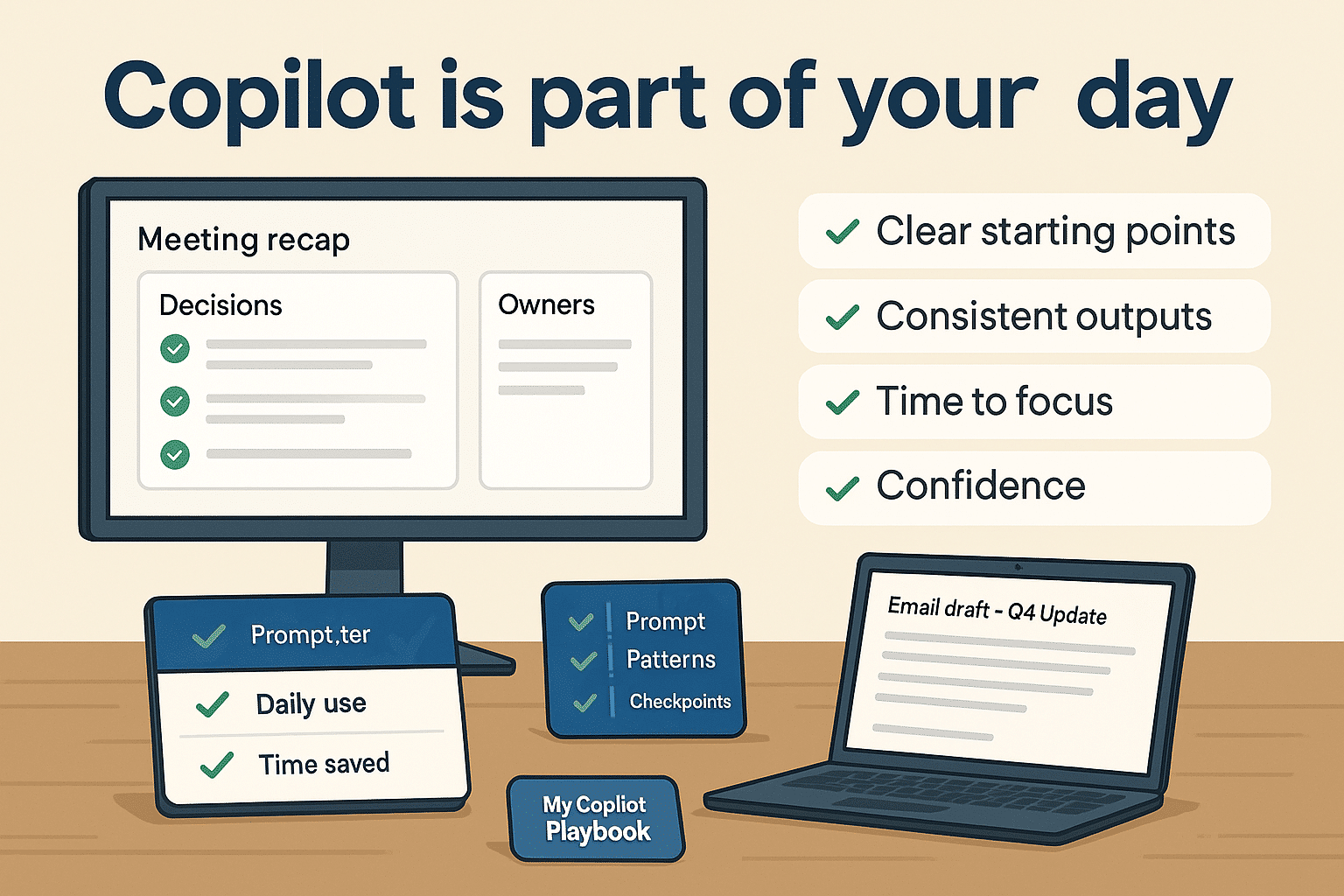
What you’ll achieve by the end
Here’s what you’ll walk away with—practical, repeatable gains you can use as you learn.
Training Agenda:

- Turn documents into presentations
- Generate first-draft slides quickly
- Use Copilot and Designer together for faster outputs
- Use Loop components for collaboration
- Capture and track tasks
- Understand where Copilot helps — and where it doesn’t — in task management
- Ask Copilot questions about your data
- Use Excel’s analysis features effectively
- Avoid common pitfalls with charts and insights
- Summarise meetings automatically
- Capture actions and follow-ups
- Turn meeting chaos into clear next steps
- Use Copilot for content and campaign planning
- Create drafts faster across tools
- Understand the limits of AI-generated visuals and text
This isn’t about sitting in front of a screen for weeks watching long tutorials.
Instead:
✅ Focused challenges and deep dive sessions
✅ Completed at your own pace, with a clear weekly structure to guide you
✅ Short, practical training sessions that show you exactly what to do.
✅ Hands-on application, so you build your own Copilot playbook as you go
By the end, you’ll have a personal Copilot Playbook documenting the prompts, patterns, and workflows that actually work for your role and organisation.
Why Jennifers' Training Works When Others Don't

Who Is the Workshop For?
Collab365 offers a wide variety of events including trainings, deep dives, showcases, user group and the forum where members of the community can help each other. The community is fantastic! There is a variety of expertise amongst community members. Collab365 moderators are always there to assist. They've brought people from all over the world together. I love the Platinum Membership and don't know what I would do without it. I not only get feedback from members, but I've been able to present some of my own work. Truly thankful for this group.
Beth B // United States (28th May 2025)
The gang at Collab365 are as kind as they are helpful. From the community forum, to regular live webinars, to step up challenges, they cover it all. They operate by providing learning in manageable chunks, using real world examples in easy to understand teaching methods. What I really appreciate is they follow up with you directly.
Steve Morley // Canada (23rd May 2025)
Been using Collab365 for quite a while now. The topics and learning material is brilliantly simple or simply brilliant. Nice easy to follow steps in laymans terms so very approachable for beginners and also for those not at the beginning of their journey. Bought the Platinum package and still to utilise it fully, but I have already learned more than enough for what I have used it for currently. The Guys are also very approachable and on at all hours (even when they should be tucked up in their bed... looking at you Jon. Do you sleep?!?!? :) ) If you wish a training experience or really nice community (honest, even the community is brilliant at helping out) would throughly recommend utilising Collab365
C Johnston // United Kingdom (16th June 2025)
Frequently Asked questions:
If, for any reason, you're not completely satisfied with a stand-alone purchase, please reach out within 30 days. We're more than happy to process a refund for you.
Send us an email at hello@collab365.com and we can help.
Get Instant Access to the Copilot Business Challenge and Accelerator Pack
Ready to make Copliot useful?..